
Sonic Gift Card Balance: Check Online & by Phone
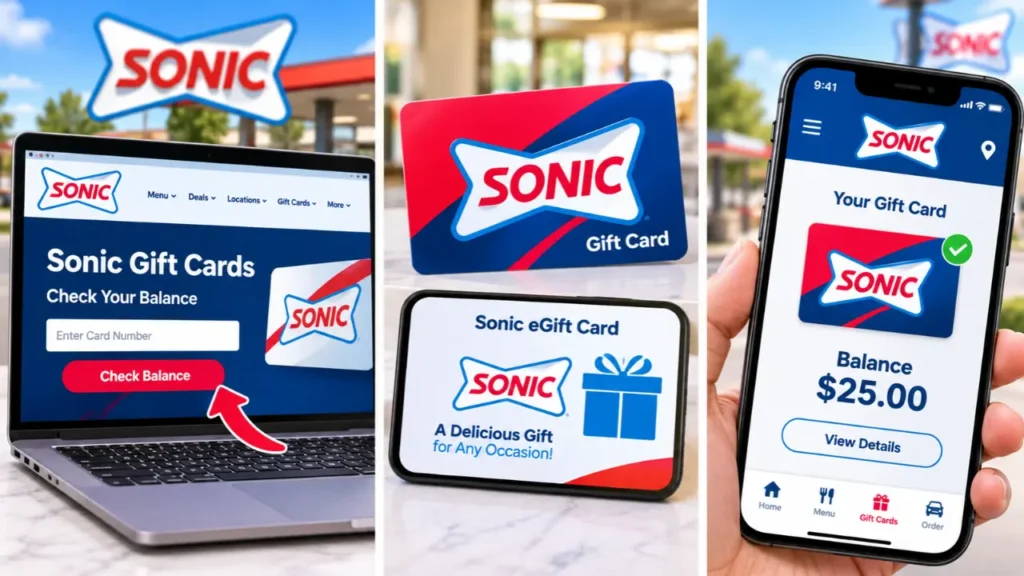
You get a Sonic gift card for your birthday. It sits in your wallet for a few weeks. Then you pull up to the speaker and wonder how much is left on it. Almost everyone has been there. You don’t want to order a large cherry limeade and a corn dog, then find out the card covers only half. That’s why knowing your Sonic gift card balance matters. The check takes about a minute, and it saves you from an awkward moment at the window.
In this guide, you’ll learn how to check your Sonic gift card balance online and by phone. You’ll also learn what you need before you start, what to do when the balance won’t show, and how to spend the card once you know the number. Here are three facts from Sonic’s terms, so you know the basics:
- The card never expires.
- There are no additional fees.
- You can’t turn it into cash.
Where Can You Buy Sonic Gift Cards?
Yes, Sonic sells gift cards. You have a few ways to get one, and the right choice depends on whether you want plastic or digital.
At your local Sonic: This is the easiest place to start. Ask at the window or the counter if your location has physical cards. I can’t promise every location sells them, so call your nearest Sonic first. It saves you a trip.
On Sonic’s official website: Sonic has an official gift card page. It’s also where you go to check your balance later. Sonic’s Restaurant is the safest place to look first because you know the card is real.
Through eGifter: This site sells Sonic eGift cards from $5 to $100. You can also pay with Venmo there. The listing says the card never expires and has no fees.
At big retail stores: I found a Sam’s Club listing for a Sonic multipack, three cards at $10 each. Stock changes by store and by season, so check before you drive over.
A Sonic App eGift card works only for orders you place in the Sonic App. You can’t use it at the drive in window, and you can’t use it on the website. So think before you buy. If you plan to pull up and order at the speaker, you want a physical card. If you always order through the app, a digital card works fine.
Gift card scams are common, so buy from Sonic, a store you know, or a trusted seller. Skip random resale pages and social media deals that sound too good. A $50 card for $20 is a red flag. One more tip. Check the balance right after you buy. If the amount is wrong, you can fix it while you still have the receipt and the store remembers the sale.
How to Check Sonic Gift Card Balance?
You have two main ways to check your balance from home. You can use the website or you can call. Both take only a few minutes, and neither costs you anything. Grab your card first. You’ll need the numbers on it, and we’ll cover that in detail later.
Check Sonic Gift Card Balance Online
This is the fastest way for most people. You don’t need to talk to anyone, and you can do it from your phone while you sit on the couch. Here’s how it works:
- Open your browser and go to Sonic’s official website.
- Find the gift card page. Sonic uses the address sonicdrivein.com/gift-cards for balance checks.
- Look for the balance checker on that page.
- Type in your gift card number.
- Type in your PIN if the page asks for it.
- Tap the button to check your balance.
- Your balance should show on the screen right after that.
Be careful about which site you use. Search results are full of copycat pages that look like Sonic’s. Some of them only want your card number so they can drain it. If a page asks for anything beyond your card number and PIN, stop.
Sonic doesn’t need your name, your bank details, or your password to show a balance. Look at the web address too. If it doesn’t clearly belong to Sonic, close the tab. Write your balance down once you see it. A quick note on your phone works. That way you can check the math next time you order.
Check Sonic Gift Card Balance by Phone
Maybe the website won’t load. Maybe you’d rather talk to a system than type on a tiny screen. A phone call works fine for that. The official Sonic gift card information lists 866 657 6642 as the balance and support number. That’s the one I’d trust. Here’s what to do:
- Pick up the card and have it in your hand.
- Dial 866 657 6642.
- Listen to the prompts carefully.
- Enter or say your card number when the system asks.
- Give your PIN if it asks for that too.
- Listen for your balance.
Some pages online say this line is automated and open all day. I couldn’t confirm that on Sonic’s own pages. So don’t count on it, and call during normal daytime hours if you can. Phone numbers on random blog sites are a problem too. I saw a few different numbers listed for Sonic gift card balance. Many of them were old or just wrong.
So stick with the number from Sonic’s official gift card information. If a call doesn’t connect, check Sonic’s website for the latest number before you try anywhere else. A call is also smart when you’ve got a problem. If the website shows an error, a person or a system on the phone can sometimes sort it out faster.
Can You Check Your Balance at a Sonic Location?
Maybe. I couldn’t find an official Sonic page that promises it, so I won’t tell you it’s a sure thing. Some third party pages say you can hand the card to a worker and ask them to check it. That makes sense, since the staff already handle gift cards when you pay.
But every Sonic is a little different. Many locations are run by different owners, so what works at one may not work at another. If you want to try it, here’s the smart way to do it:
- Walk inside if your location has a dining room or counter.
- Ask politely if they can check the balance on your card.
- Have your card in your hand when you ask.
- Write down the number they give you.
Skip the busy times. Don’t ask during the lunch rush or on a Friday night when the line is long. A worker with ten orders waiting has no time to look up your card. The drive in lane is trickier. You’re talking through a speaker, and your card isn’t in front of them. I’d save this for the counter or the window when it’s calm.
So, use the website or the phone line first. Treat a visit to Sonic as your backup plan, not your main one. You’ll learn the balance when you pay anyway. But that’s the worst time to find out it’s too low.
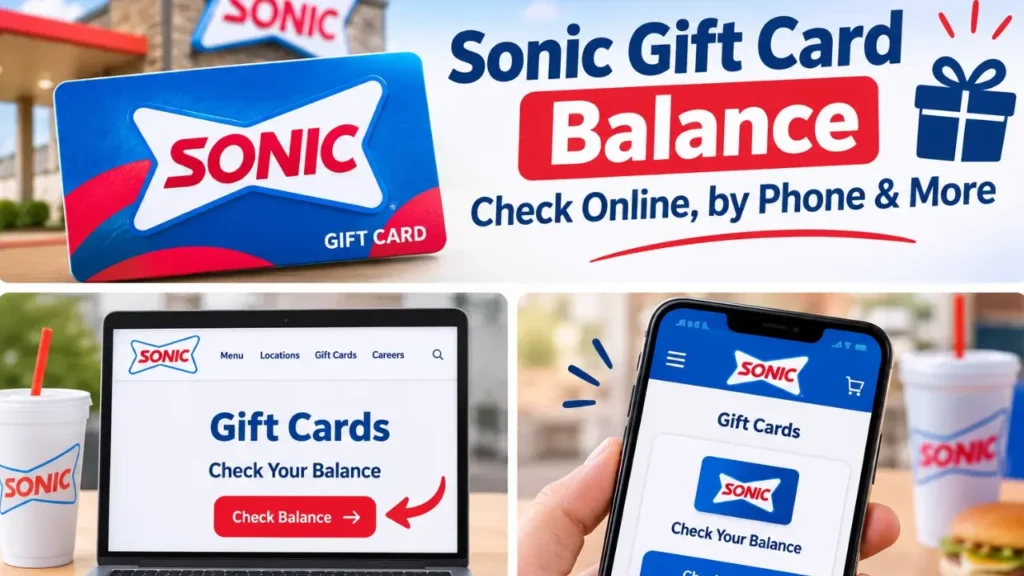
What Do You Need to Check Your Sonic Gift Card Balance?
You don’t need much. You just need a few details from the card, and having them ready makes everything go faster.
Gift Card Number
Every Sonic gift card has its own number, and the system uses it to find your money. The eGifter instructions mention a 16 digit card number for the Sonic App eGift card. Count the digits when you type it in. One wrong number is the most common reason a check fails.
On a physical card, look at the front and back. On a digital card, the number is in the message you got when you bought it or when someone sent it to you.
PIN (When Requested)
The PIN is a short code that goes with the card number. It proves the card belongs to you. Many pages say you need the PIN to check your balance online. So plan on having it with you. Some third party sites claim you can skip it in a store or on the phone, but I couldn’t confirm that with Sonic.
That’s why a Sonic gift card without a PIN is a real problem. If you can’t find the PIN, look over both sides of the card. If part of the card has a coating, scratch it gently with a coin. Still no luck? Call the official number and explain what you have.
eGift Card Information
A digital card comes with the same details, just not on plastic. You get a card number and a PIN, usually by email or text. Don’t delete that message. Search your inbox for “Sonic” and “eGift” if you can’t find it. Check your spam folder too, because gift card emails sometimes land there.
Take a screenshot of it as well. It takes two seconds, and it saves you a headache later. Remember, a Sonic App eGift card only works for orders in the Sonic App. You enter the card number and PIN in the app to pay for mobile orders.
Physical vs Digital Sonic Gift Cards
Both cards hold real money, and both work the same way when it comes to fees and expiry. The big difference is where you can spend them.
Physical Gift Cards
A physical Sonic gift card is the plastic one you carry in your wallet. You can hand it over at a participating Sonic location and pay like you would with any card. It’s also easy to give as a gift. You can put it into a birthday card or hand it over in person. The downside? You can lose it. If it slips out of your pocket, whoever finds it might spend your money.
Sonic eGift Cards
An eGift card is digital. You get the card number and PIN by email or text, and you use them in the Sonic App. You can buy one in a minute, and nothing can get lost in the mail. That’s great for a last minute gift. But there’s a catch. According to the official restrictions, a Sonic App eGift card works only for orders in the Sonic App. It doesn’t work at the drive in or on the website.
Difference Between Physical and Digital Cards
Feature | Physical Card | eGift Card |
Physical card | Yes | No |
Use at participating Sonic locations | Yes | No, according to official restrictions |
Use in Sonic App | Yes | Yes |
Expiration | No | No |
Additional fees | No | No |
Sonic Gift Card Balance Not Working? Here’s What to Do
Sometimes you type everything in and nothing shows up. Don’t panic. Most problems have a simple fix, so go through these in order.
Incorrect card details. This is the number one cause. Look at your card number again, digit by digit. Then check your PIN. A single wrong number will block the whole thing.
Balance not showing. Try again in a few minutes. Switch from your phone to a computer, or the other way around. If the website still fails, call the official number, 866 657 6642.
Recently purchased card. If you just bought the card, give it a little time. One third party page says eGift cards activate instantly, but I couldn’t confirm that with Sonic. For a physical card, ask the cashier to make sure they activated it at the register.
Lost or damaged gift card. A scratched card number is a headache. Try typing what you can read, then call Sonic and explain. For a lost card, I couldn’t find an official replacement rule. So call and ask, and bring your receipt if you still have it. Don’t expect a promise of a refund.
Official customer support. When nothing else works, call the official line. Have the card in your hand, plus the receipt or the email if you’ve got one. Write down the date and time of your call. It helps if you need to call again.
How to Use a Sonic Gift Card
At Sonic Drive In
This one is for physical cards. Sonic’s restrictions say the eGift card doesn’t work at the drive in, so don’t try it there. Here’s how it goes:
- Pull into a stall and place your order at the speaker.
- Tell the carhop you’re paying with a gift card.
- Hand over the card when your food comes.
- Ask for your receipt and check the remaining balance.
Keep in mind that Sonic says the card works at participating locations. Not every Sonic is the same, so ask before you order if you’re at a new one. Want to be extra safe? Check your balance before you leave home. Then you know how much you can spend on that burger, tots, and a large drink.
Through the Sonic App
The app is the other way to spend your card. You’ll download the Sonic App, enter your 16 digit card number and PIN, and then pay for your mobile orders with it. This is the only place a Sonic App eGift card works. If you got one as a gift, the app is where you’ll use it.
The app has one more perk. You can pick your food at your own speed, with no speaker crackling in your ear. That’s nice when you’re ordering for a whole family.
Important Online Redemption Restrictions
Here’s the rule that catches the most people. A Sonic App eGift card works only for orders you place in the Sonic App. It doesn’t work for orders on Sonic’s website. It doesn’t work at the drive in either.
So if you buy a digital card and then walk up to the window with it, you’ll be stuck. Read the card details when you buy it. Take 10 seconds to check that it says what you think it says.
Do Sonic Gift Cards Expire?
No, they don’t. This is good news for you. Sonic’s official gift card terms say the card never expires. That means you can keep one in a drawer for a year and still use it. The eGifter listing says the same thing. There are no extra fees either. Nobody takes a monthly charge out of your balance for sitting there. What you load is what you keep.
But keep one thing in mind. You can’t turn a Sonic gift card into cash. If you have $12 left and you don’t want to visit Sonic, the money stays on the card.
Does that mean you should wait forever? Not really. Gift cards get lost. Emails get deleted. PINs get forgotten.
My advice is simple. Use your balance within a few months, and write the number down when you check it.
One more tip for you. If your card came from a special deal, look over the fine print on the card or the offer. I can’t promise every deal card follows the same rules as a normal one.